A network is the set of patient data your query runs on. Each option is Stony Brook data alone, data from a group of other institutions (which also includes Stony Brook), or medical data plus insurance claims.
What are the networks?
Here are a few of the networks available:
| Network name | Comprises | Number of patients | Dataset download? |
|---|---|---|---|
| US Collaborative | 75+ health care institutions' data from the US | 137.5M | No |
| Global Collaborative | 190+ health care institutions' data, including data from the US, Europe, the Middle East, Latin America and Africa | 216M | No |
| Linked Claims | 24+ HCOs' claims data, including SBM | 24.4M | Yes |
| Research | 97+ health care institutions' data from EMRs | 170.6M | Yes |
| Stony Brook University | Stony Brook data from our EMR | 1.88M | Yes |
How do I choose a network?
Good news! You can create your study, change networks easy-peasy, and even change them back. You can also have several queries in one study and give each one a different network.
- Choose a network that allows downloads if you will want a dataset for further analysis.
- Naturally, choose the Stony Brook network if you are specifically interested in our patients.
- In your study's Query Builder, click the network name to see your other available options.
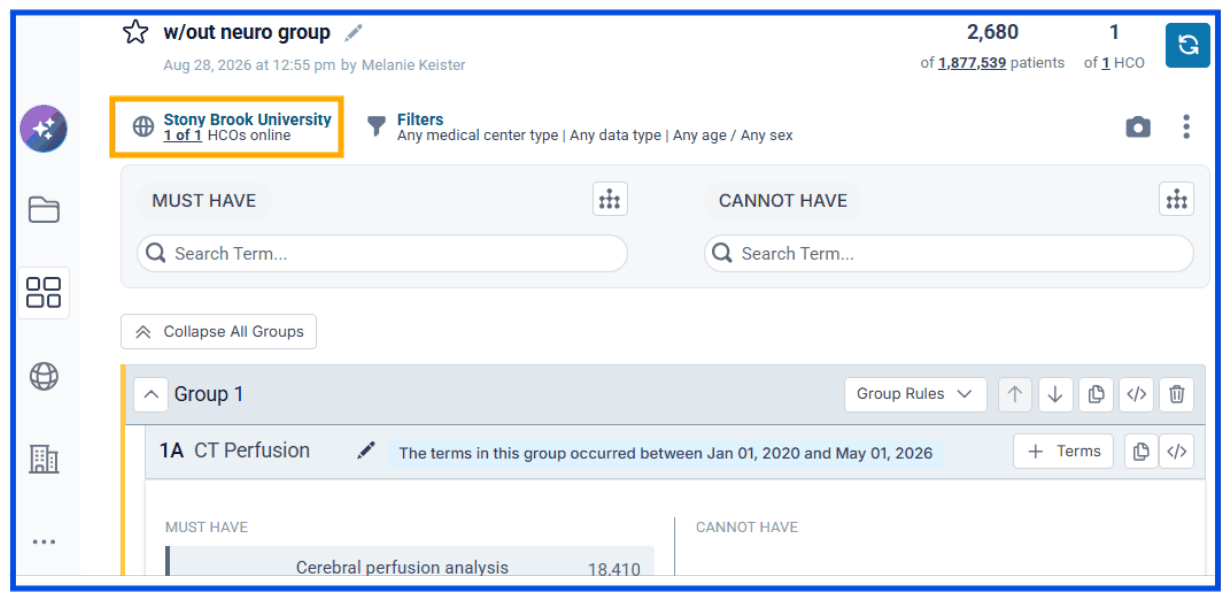
- Click a network to select it.
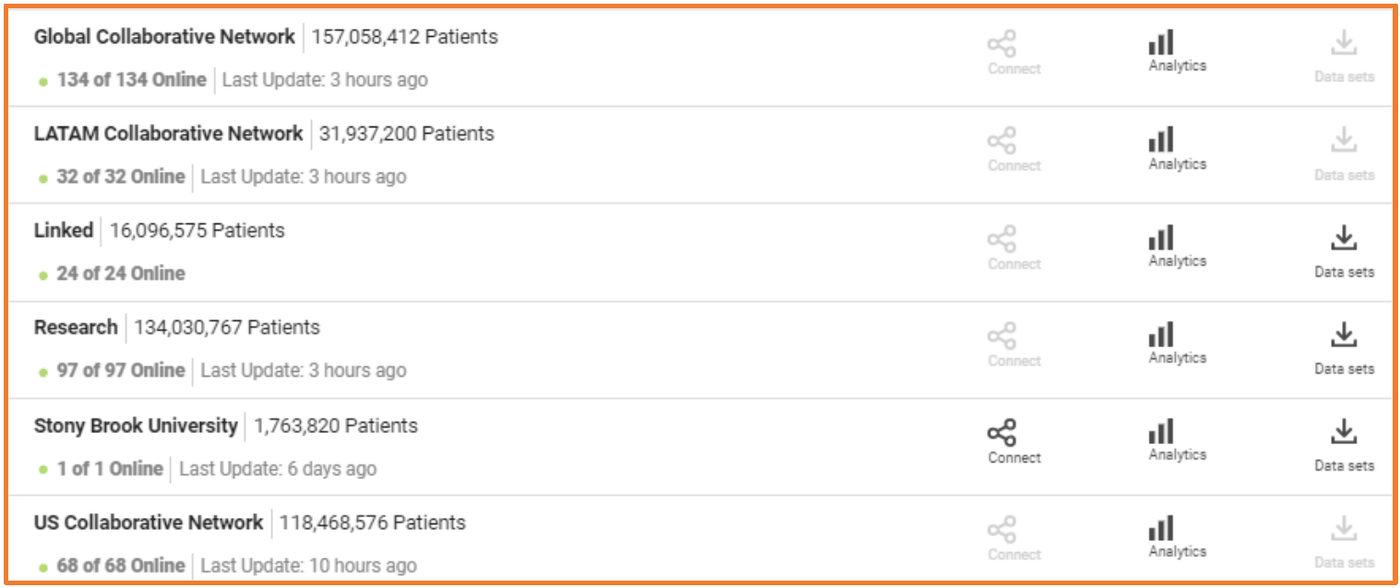
What the network icons mean
Each network shows which of these features it offers:

- Trial Connect lets pharma ask our Office of Clinical Trials to match their study with one of our PIs.
- Analytics is a set of powerful analysis tools you can use within the platform to look at your data.
- Data sets means you can download datasets from this network for your own analysis.
Data dictionaries
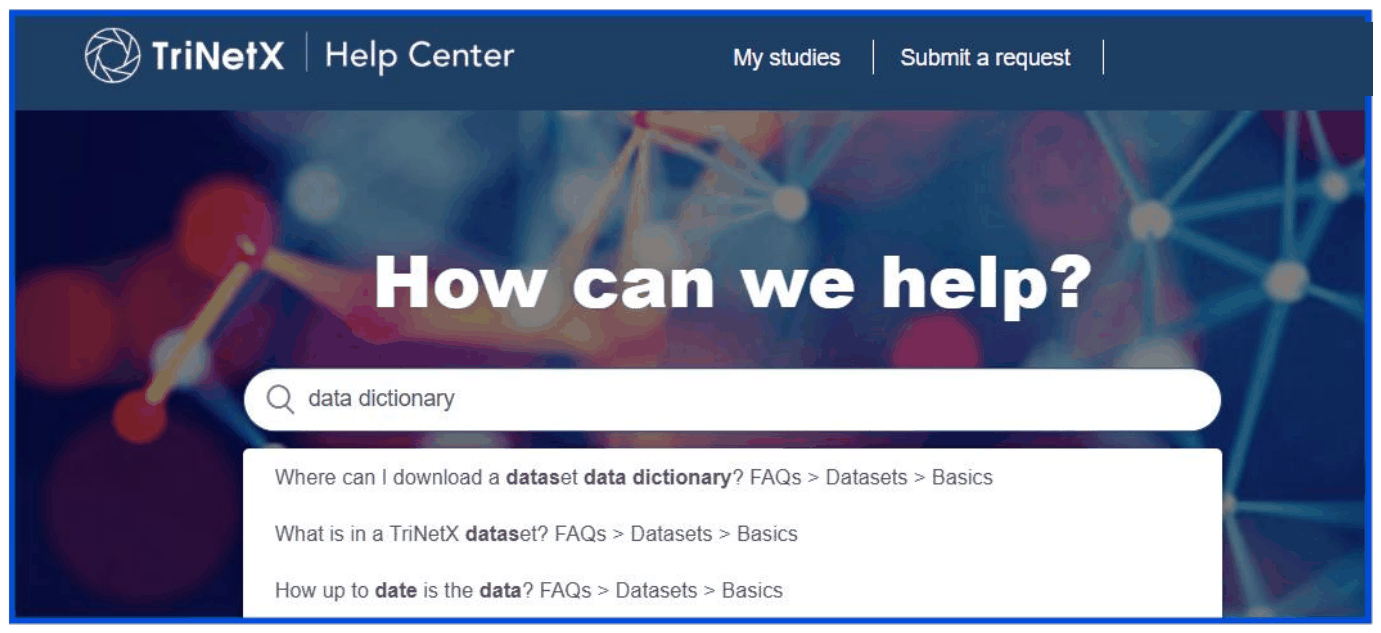
TriNetX offers two downloadable data dictionaries: one for datasets from the Research or Stony Brook University network, and another for datasets from the Linked network. Once you are logged in to TriNetX, open them from TriNetX Help with the graduation cap  in the left-side menu.