
Session recap
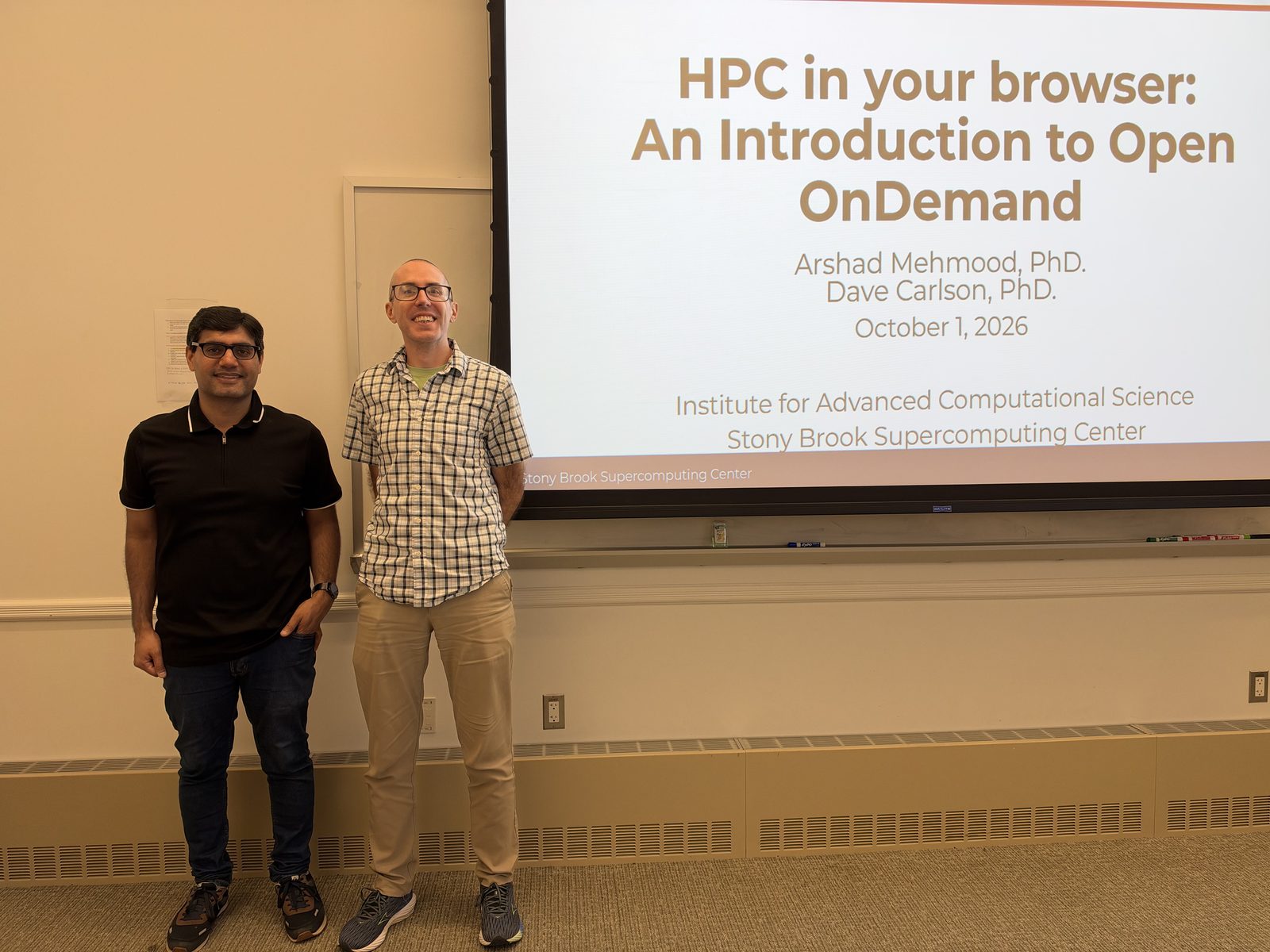
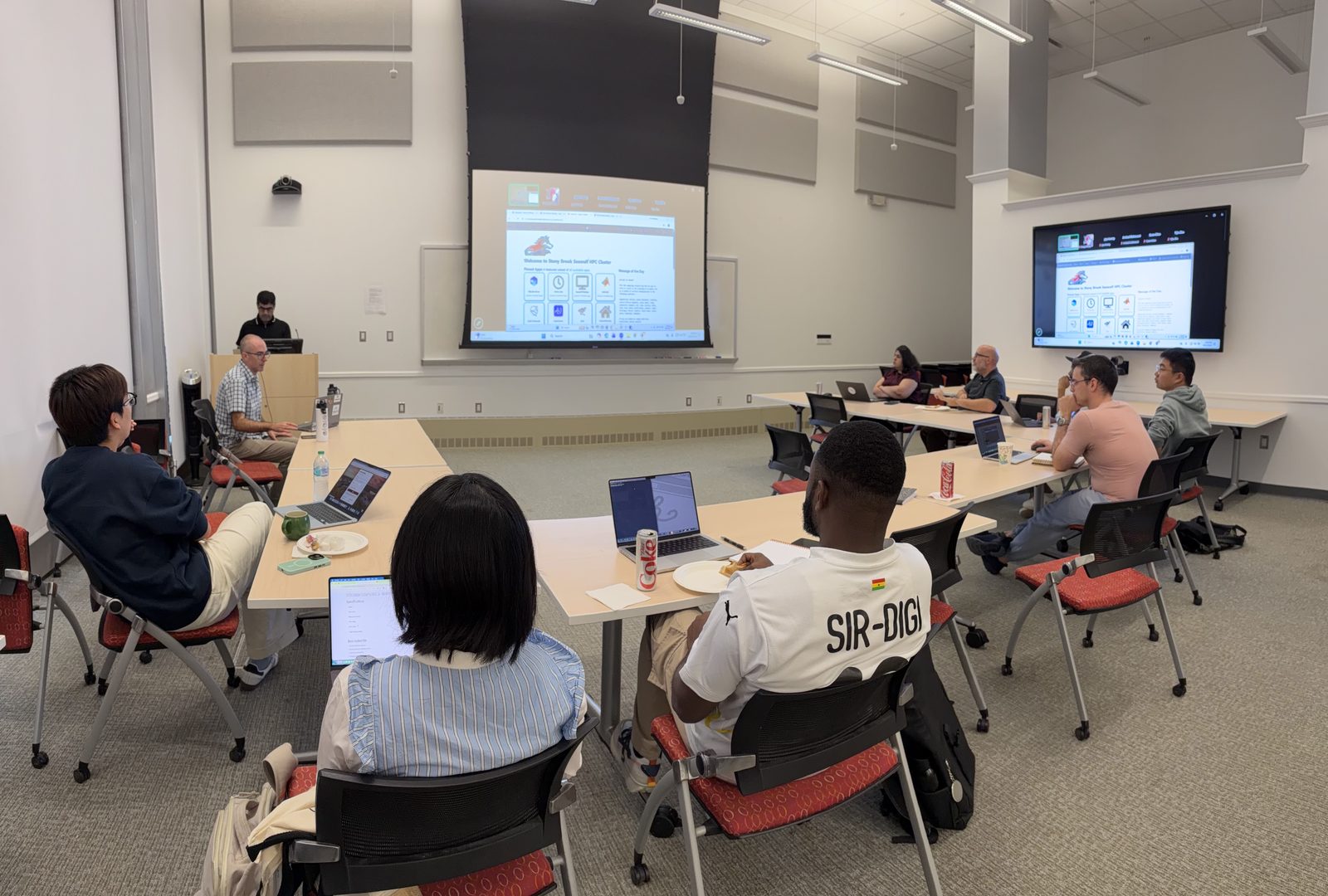
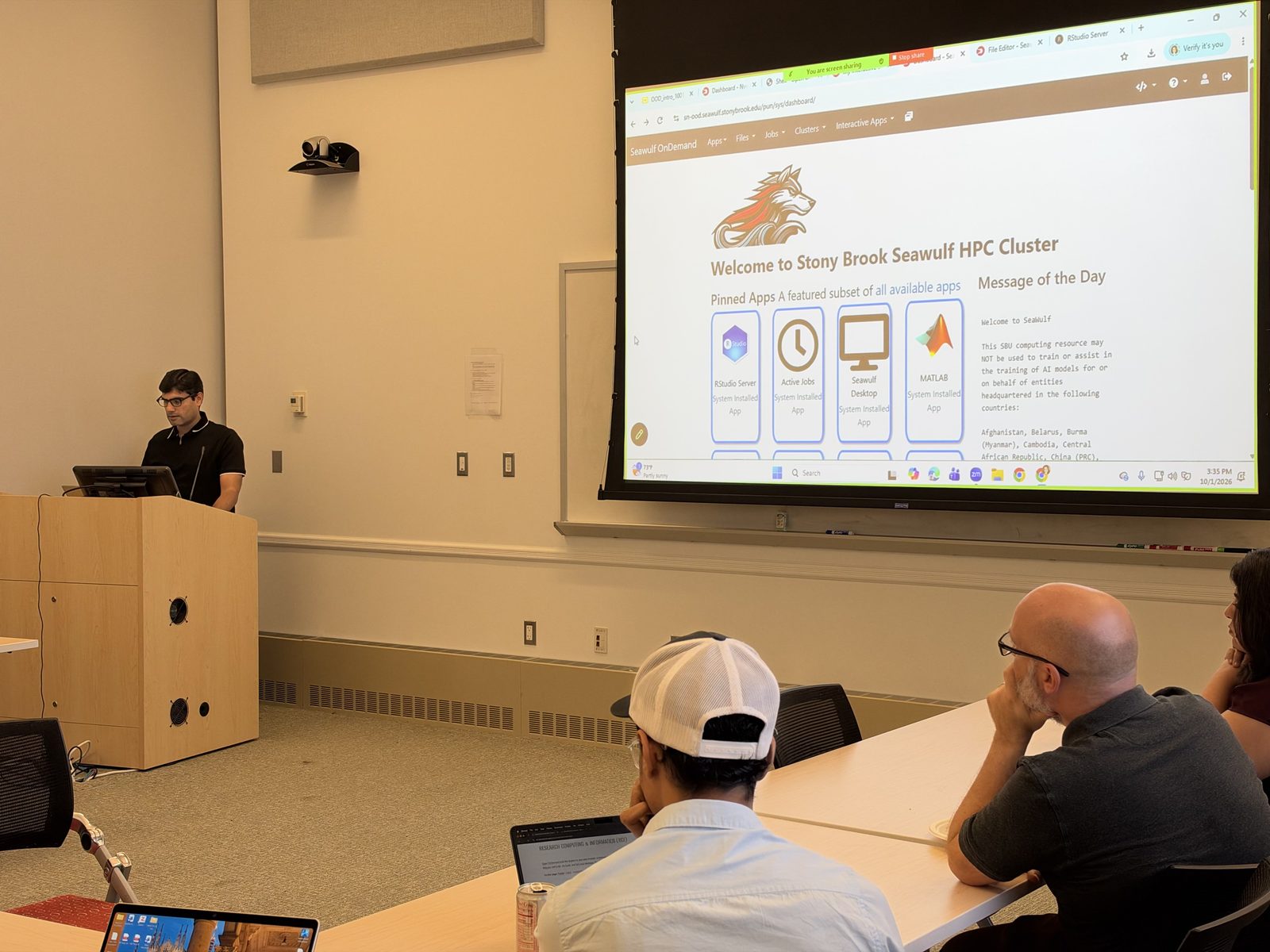
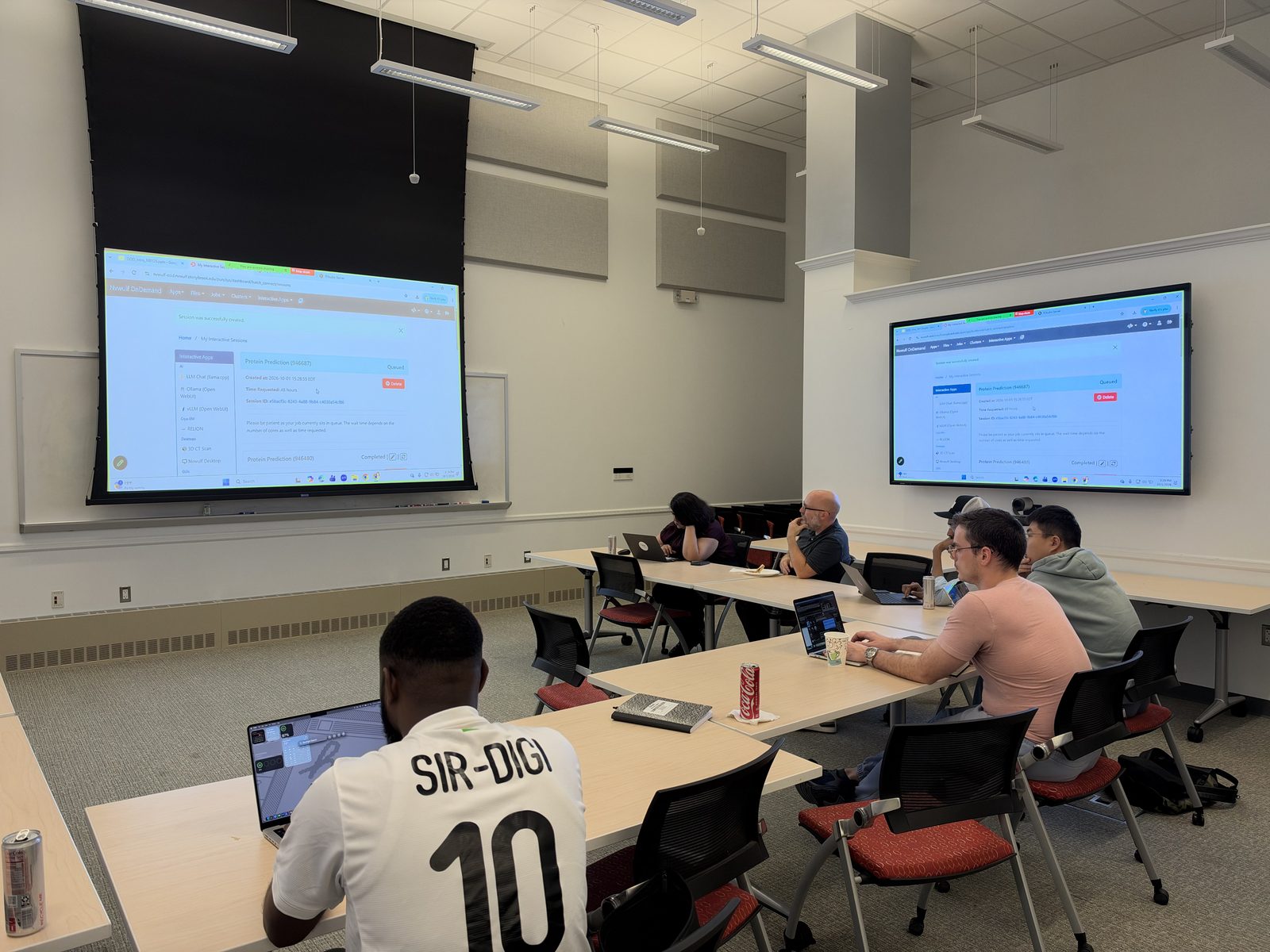
Thanks to everyone who joined us on October 1, in the IACS Seminar Room and online. Arshad Mehmood and David Carlson showed how to use SeaWulf and NVwulf from a web browser: the OnDemand dashboard, files and jobs, and how to pick the right resources. Then came live demos of RStudio Server on SeaWulf and a Protein Prediction (AlphaFold) session on NVwulf.
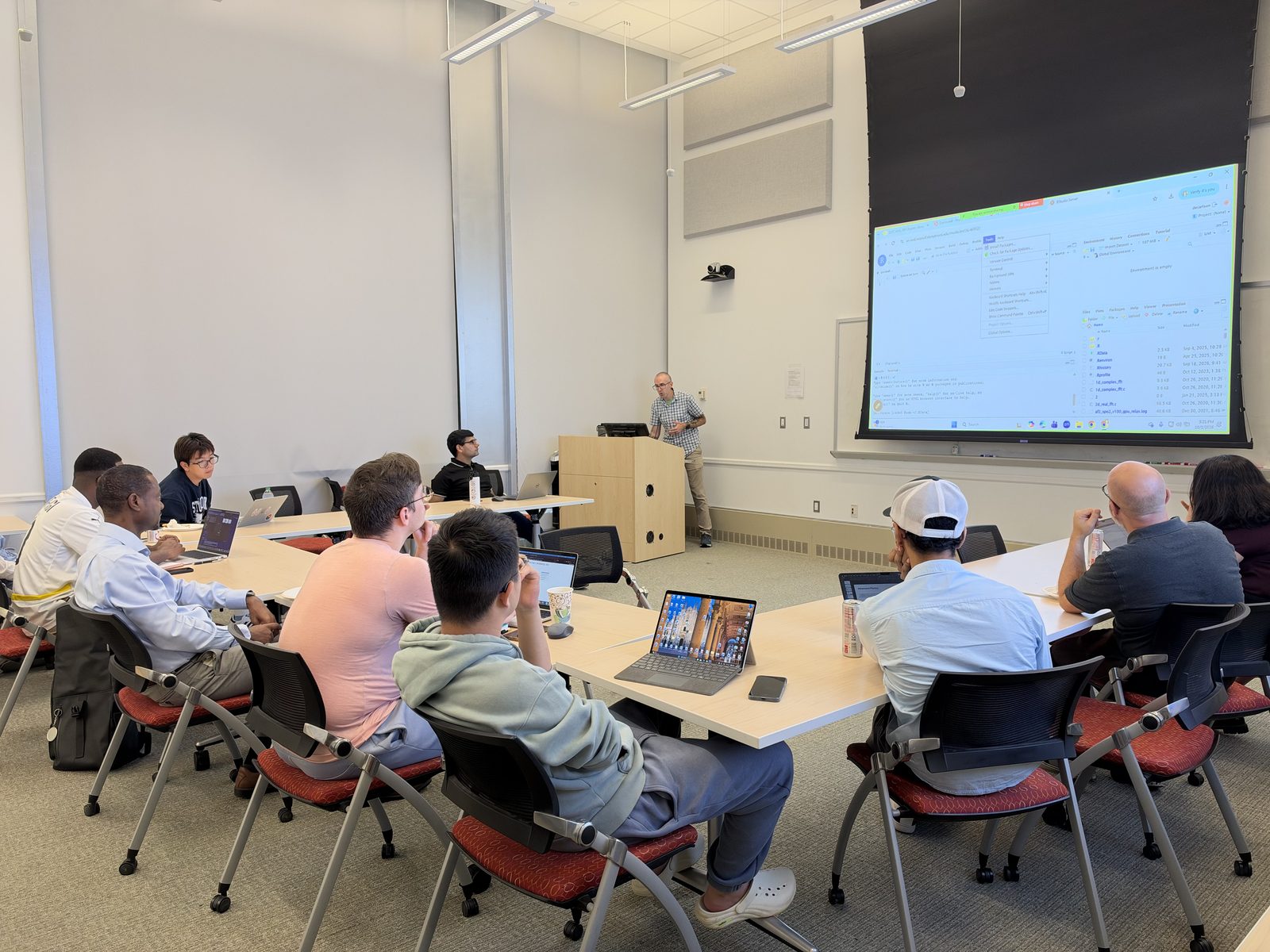
Want to try it yourself? Start with the Open OnDemand overview, then browse the apps on SeaWulf and NVwulf.
A note on data: SeaWulf and NVwulf, including the llama.cpp chat app, are not approved for protected health information (PHI). For projects that use PHI, see ClinWulf.
About the session
3:00 to 4:00 PM
Stony Brook University
In person or online
Why attend
Open OnDemand gives you SeaWulf and NVwulf through a web browser, so you can do real HPC work without the command line. In one hour you'll get hands-on practice launching research apps, managing your files and jobs, and choosing the right computing resources.
What you'll learn
- Launch interactive apps like JupyterLab, RStudio and MATLAB
- Upload, organize and manage your files and jobs
- Choose the right resources (CPUs, GPUs, memory) for your work
Apps you can use
Built for AI and ML, data analysis, computational chemistry, molecular modeling, structural biology, cryo-EM, visualization and biomedical imaging.
- JupyterLab
- RStudio
- MATLAB
- Gaussian / GaussView
- ChimeraX
- CryoSPARC
- Napari
- ParaView
- vLLM
- llama.cpp
Open to everyone doing research: undergraduates, graduate students, postdocs, faculty and staff in any field. No experience with Linux, HPC or Open OnDemand needed. Pizza and refreshments provided.